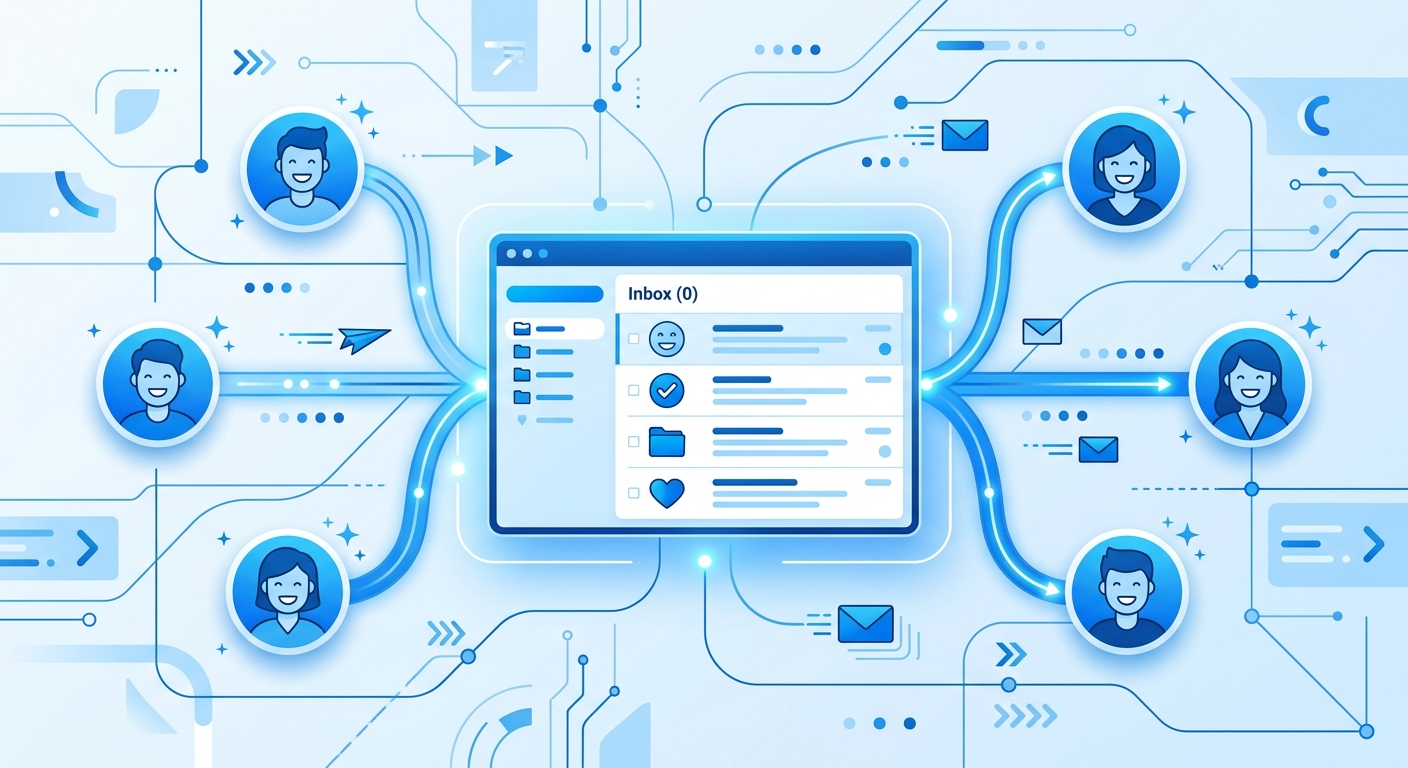
If your inbox is the operational centre of your business, you already know the feeling: a client email goes unanswered for three days because it got buried, a follow-up never went out because someone forgot, and a new customer onboarding sequence is entirely dependent on one team member remembering to send the right email at the right time. Email chaos is not a people problem—it is a systems problem. And it is one of the most solvable problems in a modern small business.
This post walks through how Canadian SMBs can automate client communication workflows in a way that is reliable, mindful of privacy law, and genuinely personalized—without turning your outreach into robotic spam.
Why Client Communication Breaks Down
The root cause of email chaos is almost never laziness or incompetence. It is a lack of systematized handoffs. When your team relies on memory, sticky notes, or informal Slack reminders to trigger client communication, you are building a brittle process that fails the moment someone is sick, on vacation, or simply overwhelmed.
Common failure points include:
- New lead follow-up — A prospect fills out your contact form on Friday afternoon. By Monday morning it has been buried under weekend messages and nobody follows up until Wednesday. The lead has already called your competitor.
- Onboarding sequences — A new client signs a contract. Someone means to send the welcome email, the intake form link, and the project kickoff details—but each is sent days apart, creating a disjointed first impression.
- Project status updates — Clients send "any updates?" emails because they have no visibility into progress. Your team spends thirty minutes drafting a reply that could have been automated.
- Invoice reminders — A payment is past due, but nobody wants to be the person who sends the awkward reminder. So it doesn't get sent, and cash flow suffers.
Each of these failure points is a workflow gap. And workflow gaps are exactly what automation is designed to close.
The Right Approach: Automate the Trigger, Not the Relationship
The most important principle in client communication automation is this: automate the trigger, not the relationship. This means you use automation to ensure the right message goes out at the right time—but the actual content of the message still reflects your brand's voice, your team's expertise, and genuine value for the client.
Poorly implemented automation feels like spam because it treats every client identically with generic copy and zero context. Well-implemented automation feels like attentiveness—the client gets a timely, relevant message that makes them feel looked after, and your team never had to manually remember to send it.
A practical example: when a new client project kicks off in your CRM, an automated workflow can pull their name, project type, and assigned team member, then send a personalized welcome email with their specific onboarding checklist attached. The email looks handwritten. The workflow sent it without anyone lifting a finger.
Core Client Communication Workflows to Automate First
Not every email should be automated immediately. Start with the workflows that are high-frequency, time-sensitive, and prone to being forgotten:
1. Lead Response Automation
Speed matters when a new lead comes in. The longer a prospect waits to hear back, the more likely they are to call someone else. No human team can guarantee five-minute response times around the clock.
An automated lead response workflow works like this: a contact form submission triggers an immediate acknowledgment email, confirms what the client can expect next, and simultaneously creates a task in your project management tool for a team member to follow up with a personalized response within one business day. The client feels heard immediately. Your team follows up thoughtfully when they are ready.
2. Client Onboarding Sequences
Onboarding is where client relationships are won or lost. A structured email sequence ensures every new client receives the same professional, comprehensive welcome experience regardless of which team member manages their account.
A basic onboarding sequence might include: a welcome email sent immediately upon contract signing, an intake questionnaire link sent twenty-four hours later, a project timeline overview sent on day three, and a check-in message sent on day seven. Each email can be personalized with the client's name, company, and project details pulled dynamically from your CRM or project management system.
3. Project Status Updates
Rather than waiting for clients to ask "any updates?", proactive status update automation keeps them informed without requiring manual effort. A weekly summary workflow can pull current task statuses from your project management tool and send a brief, structured update every Friday afternoon. Clients feel informed and valued. And the time adds up: if a status email takes thirty minutes to write and you have ten active clients, that is five hours a week your team no longer spends writing them.
4. Invoice and Payment Reminders
Automated payment reminders are one of the highest-ROI communication workflows for service businesses. A sequence might send a friendly reminder three days before the due date, a polite follow-up on the due date if payment has not been received, and an escalation message one week after the due date. Each message can be templated to match your brand voice while still being triggered automatically based on invoice status in your accounting software.
Data Residency Matters for Client Communication Automation
Canadian businesses face a compliance consideration that many US-centric automation guides ignore: where your client communication data is stored and processed matters under PIPEDA and provincial privacy laws.
When you automate client communication, your automation platform processes personal information about your clients—names, email addresses, project details, and potentially financial information. PIPEDA and BC's PIPA don't require that data to stay in Canada, but they do make your business accountable for what your vendors do with it. If your automation platform stores this data on servers outside Canada, you may need to tell your clients their information can be processed in another country, and you remain responsible for how it is protected there.
The safest approach for Canadian businesses is to use automation platforms that offer Canadian data residency options, or to self-host an open-source automation tool on Canadian cloud infrastructure. This gives you more control over where client data lives and makes it easier to answer client questions than with US-hosted SaaS automation tools.
Building Your Communication Automation Stack
A practical Canadian SMB communication automation stack typically involves three components:
Email delivery — Your existing email service provider (Google Workspace, Microsoft 365) handles actual email sending. You keep your existing domain and sender reputation.
Automation orchestration — A workflow automation platform connects your triggers (form submission, CRM update, invoice created) to your actions (send email, create task, update record). Open-source platforms like n8n give you complete control over workflow logic and data handling, with the option to self-host on Canadian infrastructure.
Data source — Your CRM, project management tool, or accounting software provides the client data that personalizes each automated message. The automation platform reads from these systems to populate email templates with relevant, accurate information.
The beauty of this stack is that you are not replacing any tools you already use. You are connecting them intelligently so information flows automatically between systems without manual copying or memory-dependent triggers.
Avoiding the Most Common Automation Mistakes
Mistake 1: Automating before defining the workflow. Before you build any automation, document the manual process you are replacing. What triggers the communication? What information does it need to include? What outcome are you trying to achieve? Automation amplifies your existing process—if the process is unclear, the automation will be too.
Mistake 2: Sending too much, too fast. Automation makes it easy to send more emails. That does not mean you should. Map out your full communication sequence and pressure-test it from the client's perspective. Would you feel overwhelmed by this many emails? Are all of them genuinely valuable?
Mistake 3: Forgetting to test with real data. Always test your automated workflows with real client data before going live. Generic placeholder data hides formatting issues, broken personalization tokens, and edge cases that will embarrass you with actual clients.
Mistake 4: No human oversight loop. Even well-designed automation breaks occasionally. Build monitoring into your workflows—whether that is a weekly audit of sent emails, error notifications to a team channel, or a human review step for high-stakes communications like contract renewals or escalations.
Your Next Step
Email chaos in client communication is not inevitable. With the right automation in place, every lead gets an immediate response, every new client receives a professional onboarding experience, and no invoice reminder ever gets forgotten because someone was on vacation.
The key is starting with the highest-impact, most failure-prone communication workflow in your business today—not trying to automate everything at once. Pick one workflow, define it clearly, build the automation, test it thoroughly, and then expand from there.
If you are ready to map out your first client communication automation and want guidance on building it in a way that is designed around PIPEDA and BC's PIPA and works with your existing tools, book a 20-minute call. We help Canadian SMBs build automation that actually gets used.