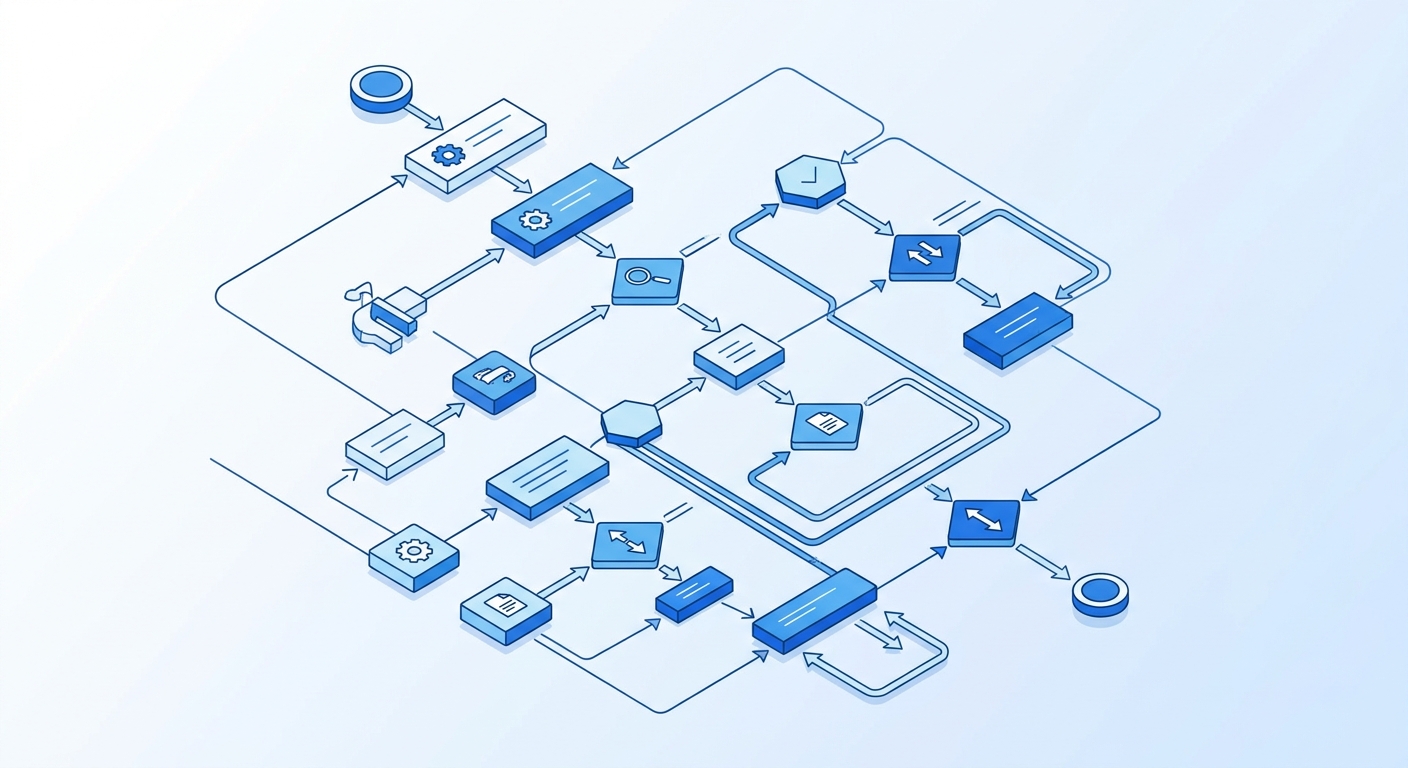
Every business needs approvals—for purchase orders, budget requests, time-off applications, contract reviews, and countless other decisions. But manual approval processes create bottlenecks that slow down operations, frustrate employees, and waste valuable time. The solution isn't eliminating human oversight entirely; it's implementing approval workflow automation that maintains control while accelerating decision-making. When designed correctly, automated approval systems give Canadian SMBs the speed of automation with the governance they need to stay compliant and make informed decisions.
Why Manual Approval Processes Fail
Traditional approval processes rely on email chains, shared spreadsheets, or walking documents from desk to desk. A purchase request sits in someone's inbox for days. An urgent contract waits because an approver is travelling. Time-sensitive opportunities slip away because nobody knows where a request stands in the pipeline.
These manual systems lack visibility, accountability, and speed. Requesters don't know the status of their submissions. Managers don't have a clear queue of pending approvals. Finance teams can't track spending patterns until invoices arrive. Without structured SMB process approvals, growing companies find themselves trapped between moving too slowly or bypassing controls entirely—neither option is acceptable.
The hidden costs extend beyond delays. Manual processes generate errors when approvers miss details in long email threads. Inconsistent decision-making happens when different managers apply different criteria. Compliance risks emerge when there's no audit trail showing who approved what and when. For Canadian businesses subject to regulatory requirements, this documentation gap creates serious liability.
Designing Approval Workflows That Balance Speed and Control
Effective approval workflow automation starts with mapping your current process and identifying where human judgment adds genuine value versus where it simply creates delay. Not every decision requires approval—some can be automated entirely based on clear rules. A $50 office supply order might not need managerial review, while a $5,000 software subscription certainly does.
The key is building conditional routing into your workflows. Using platforms like n8n, you can create decision trees that automatically route requests based on amount thresholds, department budgets, vendor categories, or any combination of factors relevant to your business. A marketing expense under $500 goes directly to the marketing manager. Over $500 requires additional finance approval. Over $2,000 escalates to executive review.
Human approvals in n8n are implemented through wait nodes that pause the workflow and send notifications to designated approvers. The approver receives a clear request with all relevant information—what's being requested, why it's needed, budget impact, and supporting documentation. They can approve or reject with a single click, and their decision automatically triggers the next workflow step. This structure maintains oversight while eliminating the friction of manual coordination.
Example scenario: a manufacturing business sets up expense approval automation. Purchase requests under $200 are auto-approved if they're from pre-approved vendors and within department budgets. Requests between $200-$1,000 require immediate supervisor approval. Amounts over $1,000 need both supervisor and department head sign-off. Cross-department purchases always require finance review regardless of amount. These rules execute instantly and consistently, every time.
Implementing SLAs to Prevent Approval Bottlenecks
Service Level Agreements (SLAs) aren't just for customer support—they're essential for internal processes too. An approval workflow without time expectations simply replaces one bottleneck with another. Setting clear SLAs establishes accountability and keeps processes moving.
In your automated workflow, define reasonable response windows for each approval stage. A routine purchase request might have a 24-hour SLA for first-level approval and 48 hours for second-level review. Urgent requests could have 4-hour windows. Time-sensitive contract approvals might require same-day response during business hours.
The workflow tracks elapsed time automatically. When an approval sits idle approaching its SLA deadline, the system sends reminder notifications. This gentle nudge often prevents escalation entirely—approvers simply need a prompt when they're busy managing multiple priorities. The automation handles this monitoring continuously without requiring anyone to manually check on pending requests.
SLA tracking also generates valuable analytics. You'll see which approval types consistently hit deadlines and which frequently exceed them. You'll identify specific approvers who respond quickly versus those who create bottlenecks. This data-driven insight allows you to refine your workflows, adjust SLA expectations to realistic levels, and have informed conversations about process improvement.
Building Escalation Rules That Maintain Momentum
Even with SLAs and reminders, sometimes approvers are unavailable—they're on vacation, in back-to-back meetings, or dealing with an urgent crisis. Your escalation rules automation ensures critical requests don't stall indefinitely while maintaining appropriate oversight.
Escalation rules trigger automatically when SLAs are breached. If the primary approver hasn't responded within the defined window, the workflow escalates to a backup approver—typically the primary approver's manager or a designated alternate. The escalation notification clearly indicates this is an overdue approval requiring attention.
Multi-stage escalation handles extended delays. After the first escalation, if there's still no response within an additional time window, the request moves to the next level—perhaps a department head or executive. You can configure parallel approval paths where urgent requests go to multiple approvers simultaneously, with the first response determining the outcome.
Smart escalation includes context. The escalated notification shows the complete approval history—when the request was submitted, who was originally notified, what reminders were sent, and why it's now being escalated. This transparency prevents confusion and ensures the escalation approver has full information to make an informed decision.
Example scenario: a professional services firm uses this approach for client proposal approvals. Standard proposals go to practice leads with a 12-hour SLA. After 12 hours, they escalate to the practice manager. After 24 hours total, they reach the regional director. Most proposals should clear at the first level. If many are reaching the director, that's a sign the SLA or the routing needs another look.
Maintaining Audit Trails and Continuous Improvement
Every automated approval creates a complete, timestamped record of the entire process—who requested what, when it was submitted, who approved or rejected it, what information they reviewed, how long each step took, and any escalations that occurred. This audit trail is invaluable for compliance, dispute resolution, and process optimization.
For Canadian businesses in regulated industries like finance, healthcare, or government contracting, this documentation demonstrates due diligence. During audits, you can instantly produce complete approval histories showing proper authorization for every transaction. Instead of digging through email threads and folders, you pull the records from one place.
The data also drives continuous improvement. Monthly analytics show approval cycle times, bottleneck locations, escalation frequency, and approval/rejection patterns. You'll discover that certain request types consistently get rejected for missing information—prompting you to improve the initial request form. You'll notice specific approval stages that rarely add value—allowing you to streamline your process.
Regular workflow reviews keep your approval automation aligned with evolving business needs. As your company grows, approval thresholds may need adjustment. As you build vendor relationships, certain suppliers might warrant auto-approval status. As regulations change, you might need additional compliance checkpoints. Your automated workflow adapts easily, unlike entrenched manual processes that resist change.
If approvals in your business sit in inboxes for days, we can help. We'll look at how requests move today, find where clear rules can do the routing and where a person should keep the final say, and build a working pilot in 10 business days. Book a 20-minute call to talk it through.